
AgentBridge
Let AI talk to your Classic Mac
Free and open source. System 7 / Mac OS 8 / Mac OS 9.
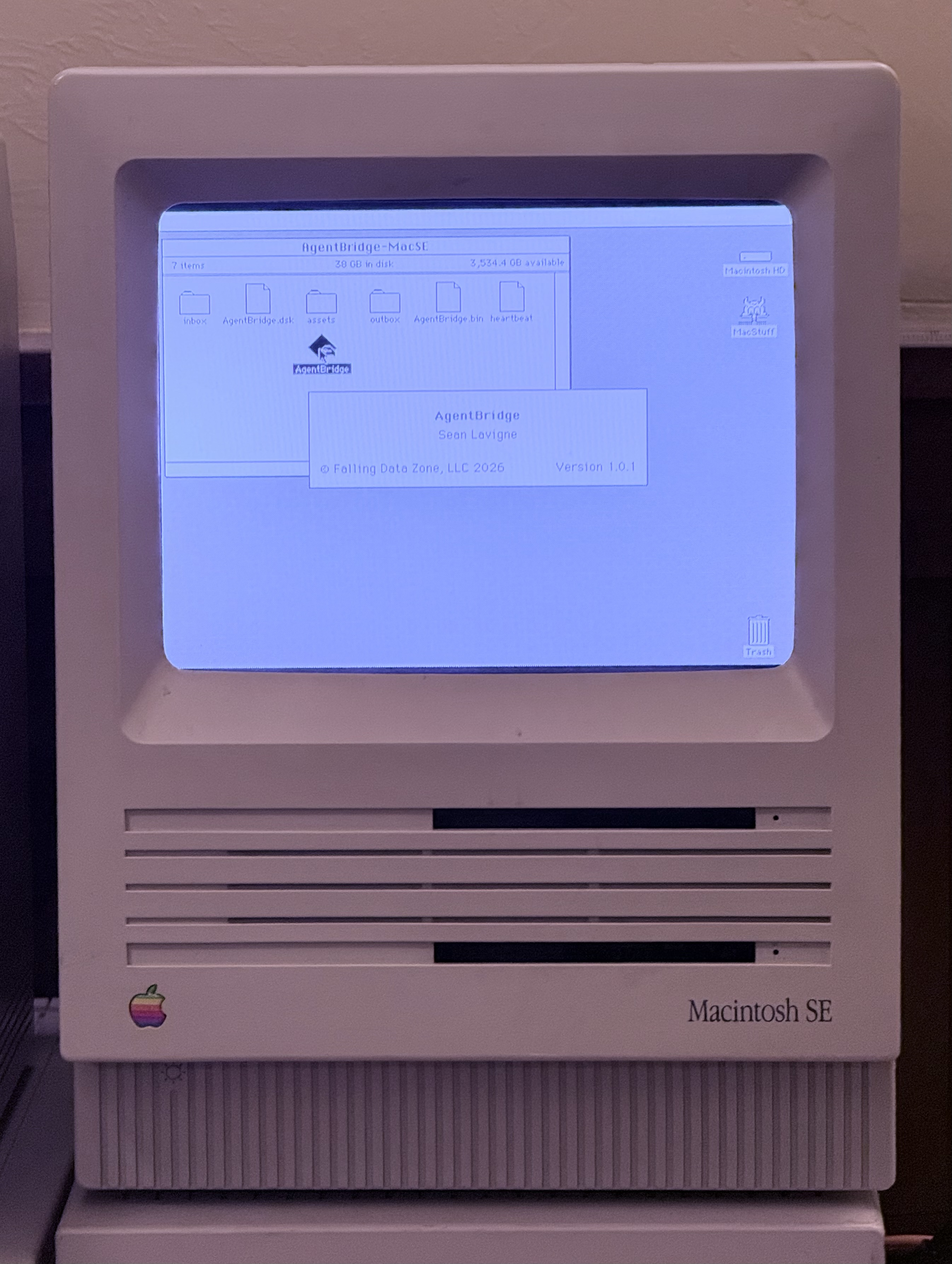
AI Meets Classic Mac
AgentBridge lets AI agents like Claude interact with Classic Mac OS through structured commands. List windows, open apps, type text, read the clipboard, browse files, and more.
Real Hardware and Emulators
Works on real 68K and PowerPC Macs as well as emulators like BasiliskII and SheepShaver. Drop AgentBridge into a shared folder, launch it, and the AI can reach your Mac.
Simple Text Protocol
Communication happens through text files in a shared folder. No SSH, no special drivers, no system modifications. If both sides can read and write files, it works.
MCP Server Included
A Node.js MCP server connects Claude Desktop or Claude Code to your Classic Mac. Supports multiple Macs simultaneously through fleet configuration.
No Modifications Required
AgentBridge is a regular application — launch it, quit it, done. No extensions, no system folder changes, no boot configuration. Your Mac stays untouched.
Your Mac, Your Network
All communication stays on your local network through a shared folder.
No cloud services. No internet required. No telemetry.
Requirements
Classic Mac side: System 7.0 or later (68K build) or Mac OS 8.1+ (PPC build). A shared folder accessible from your modern computer (NAS, AFP, SMB, or emulator shared directory).
Modern side: Node.js 18+ for the MCP server. Claude Desktop or Claude Code for AI interaction.